
Wandaejeon was a community website I built for students at Wando High School. I had seen other schools combine their own community and useful tools, and I thought it would be fun to have something similar at our school.
Choosing the stack
I did not need an impressive stack. I needed a structure I could build and fix quickly, so I chose tools I already knew.
- Frontend: Vanilla HTML
- Backend: Express.js & Node.js
- Database: MongoDB
- Authentication/security: JWT & bcrypt
- UI/styling: Tailwind CSS
Building the service
1. Planning
While talking with a friend, I learned that another school operated its own community and several related systems. That was when I thought our school could use something similar too.
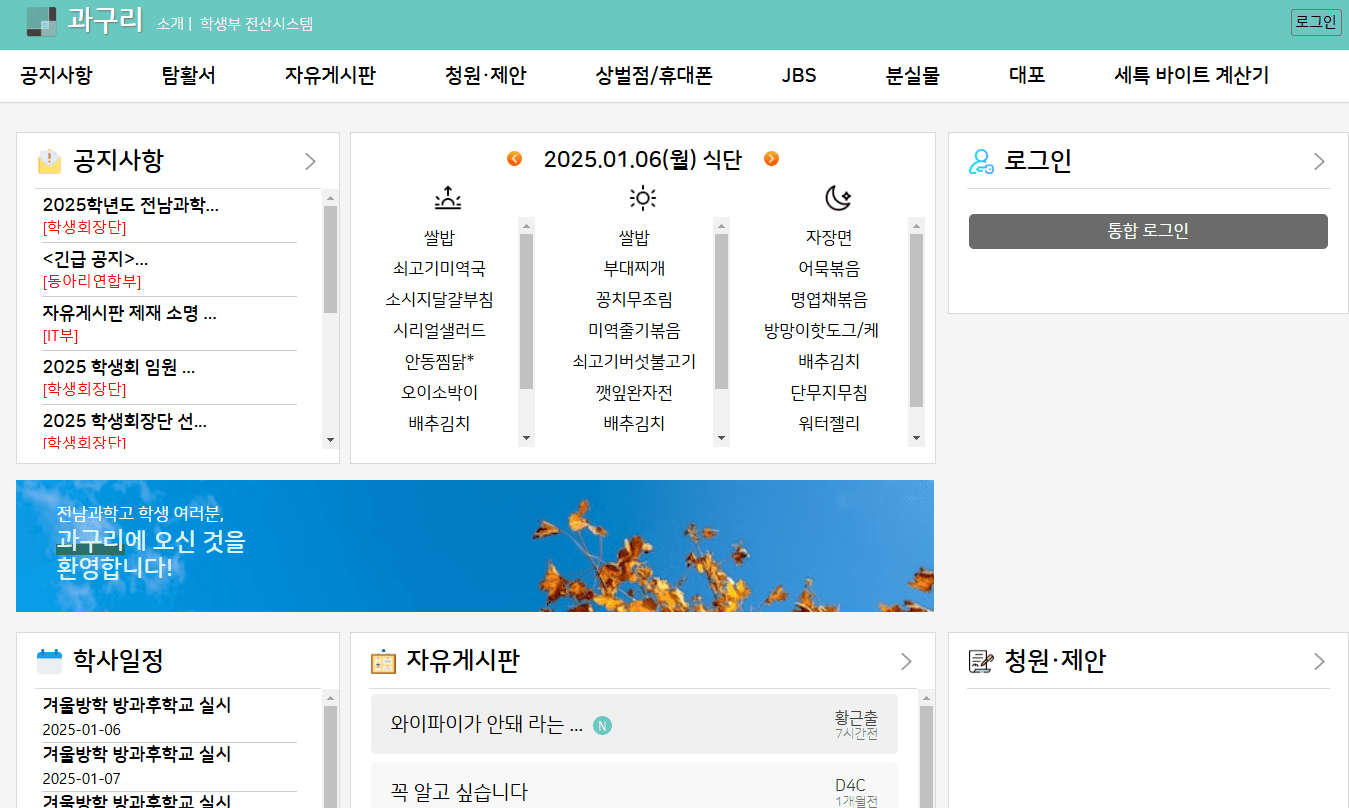
I used that site as a reference while deciding what kind of community I wanted to build.
I started during summer vacation, around the time Claude 3.5 Sonnet was released, so I used Claude actively. After the first version, I deployed the frontend to Netlify and the backend to Cloudtype. I even put up a poster at school with my name on it. It was not widely used yet, but it was my first school service that I operated all the way through.
2. Development
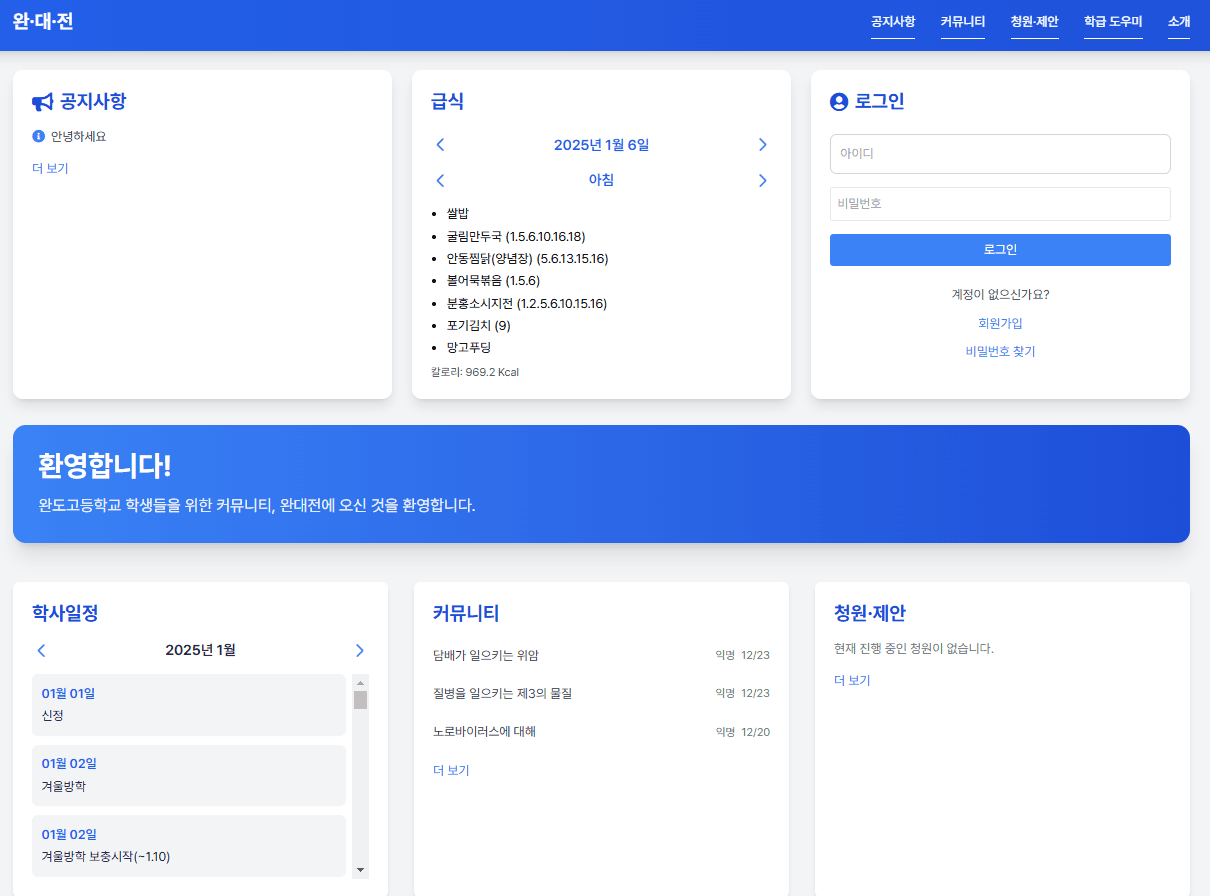
The layout is somewhat similar to the site I used as a reference. With Claude's help, I finished the first draft and testing in about a week. It was my first full-stack project. I can see the rough edges now, but I was proud of it at the time. I used the school's blue as the theme and fetched cafeteria information from the NEIS Open API on the backend.
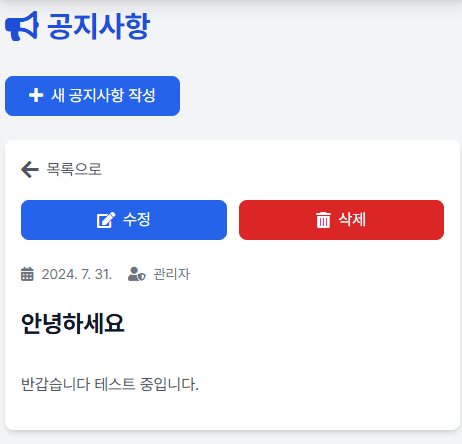
Administrators could view, write, and edit notices.
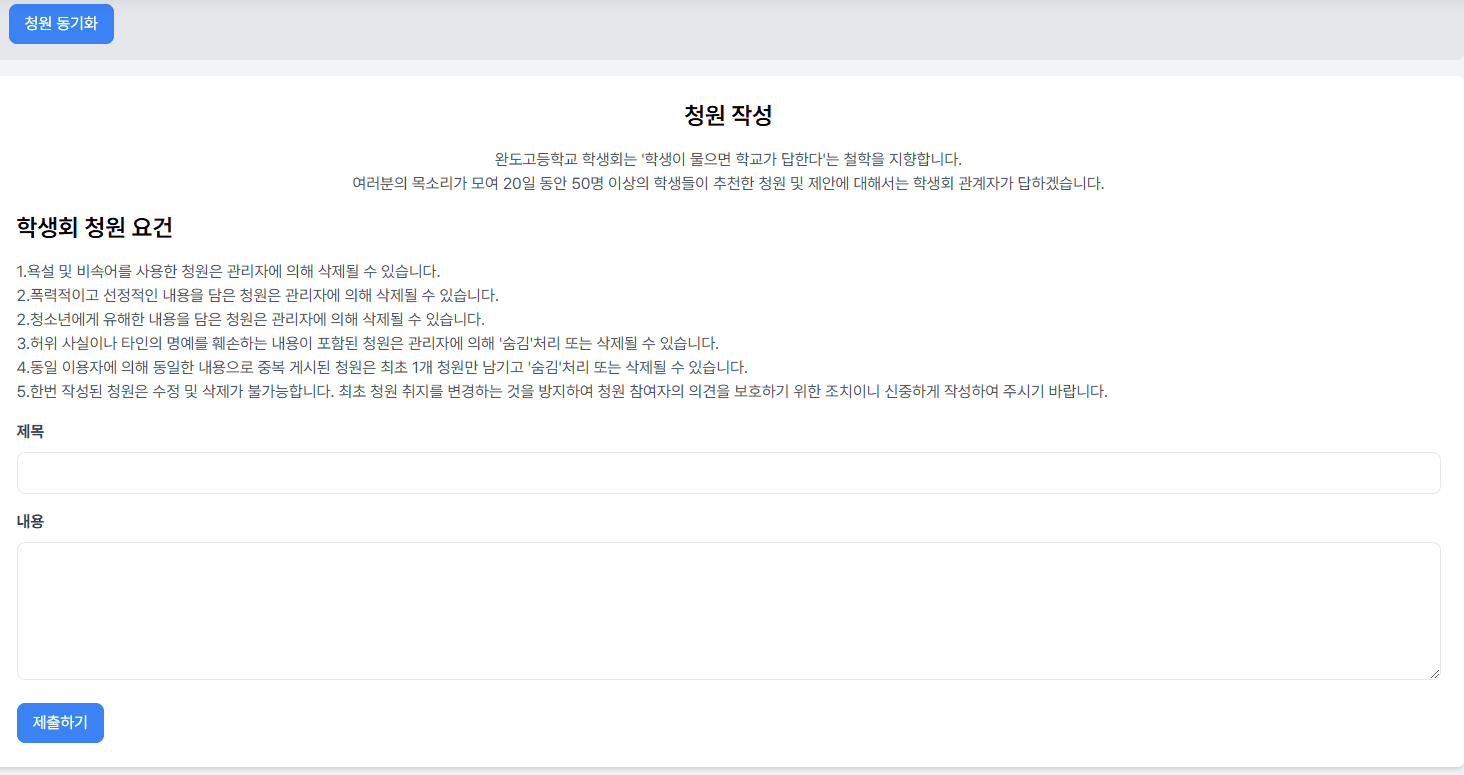
Only logged-in users could submit petitions and vote on them.
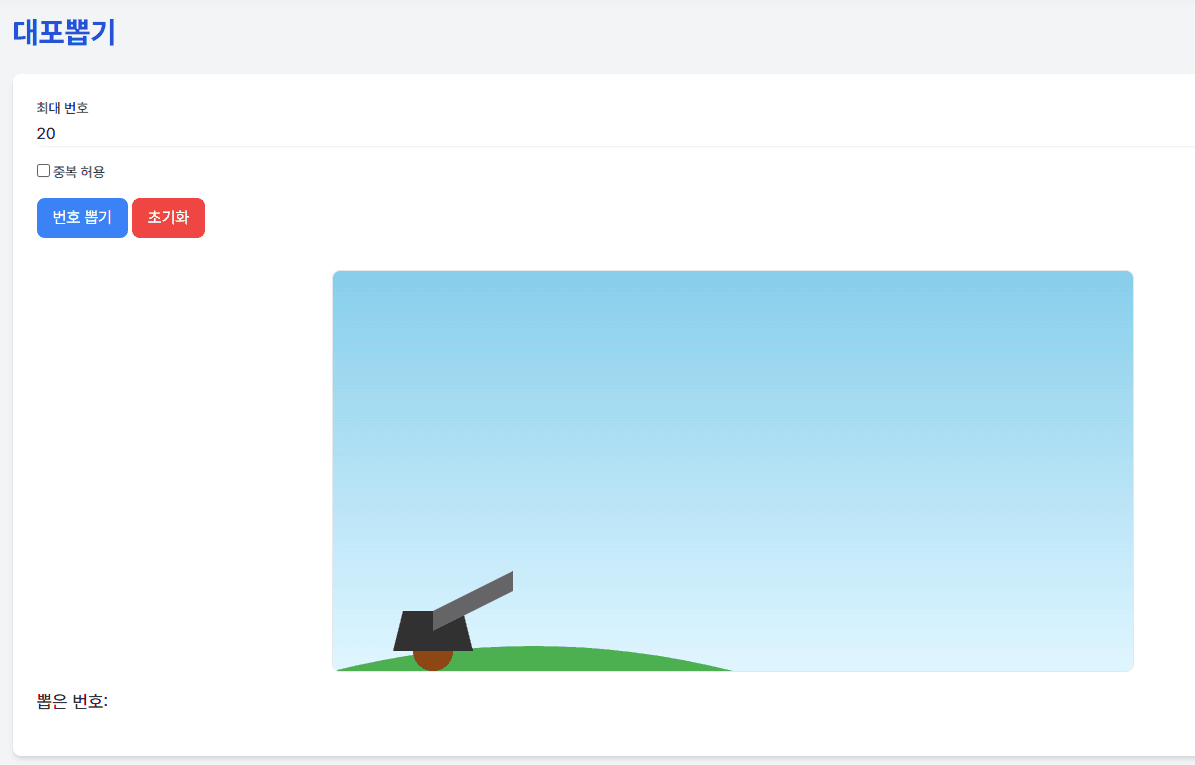
The classroom helper collected tools such as a random draw, timer, and random team picker.
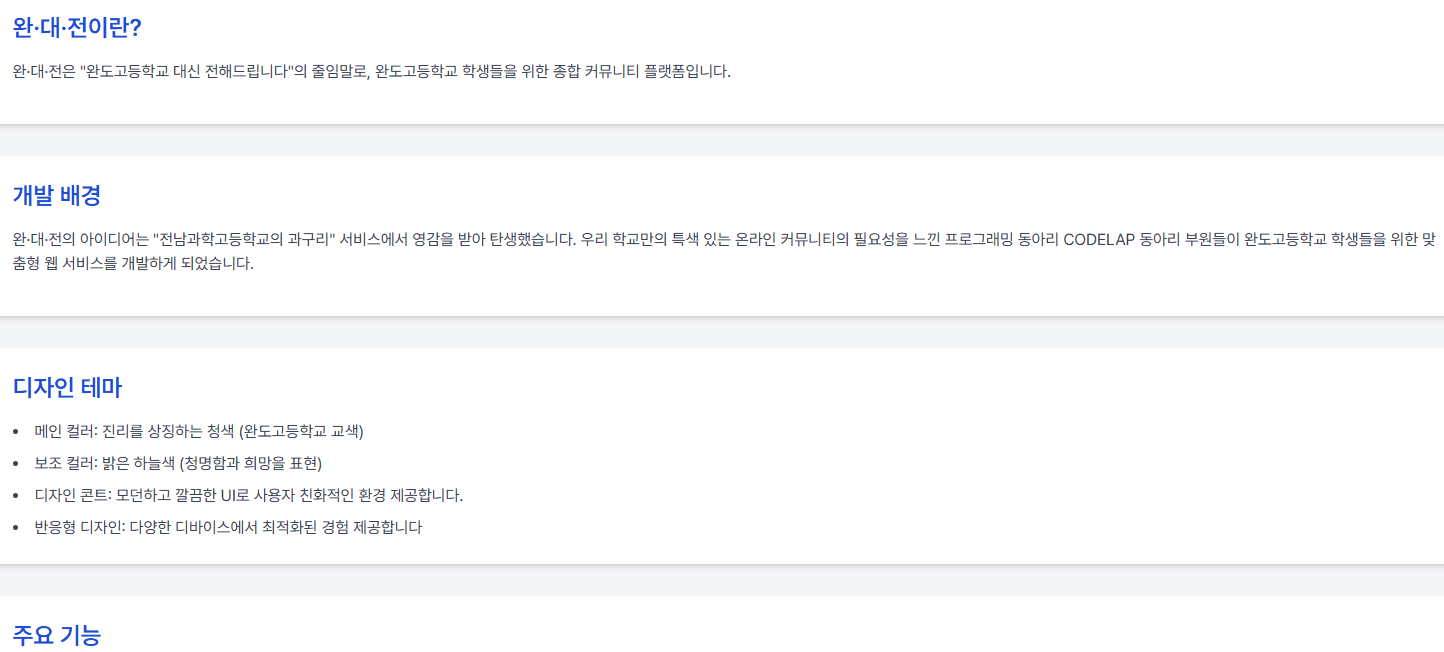
The about page introduced the service and included my development timeline at the bottom.
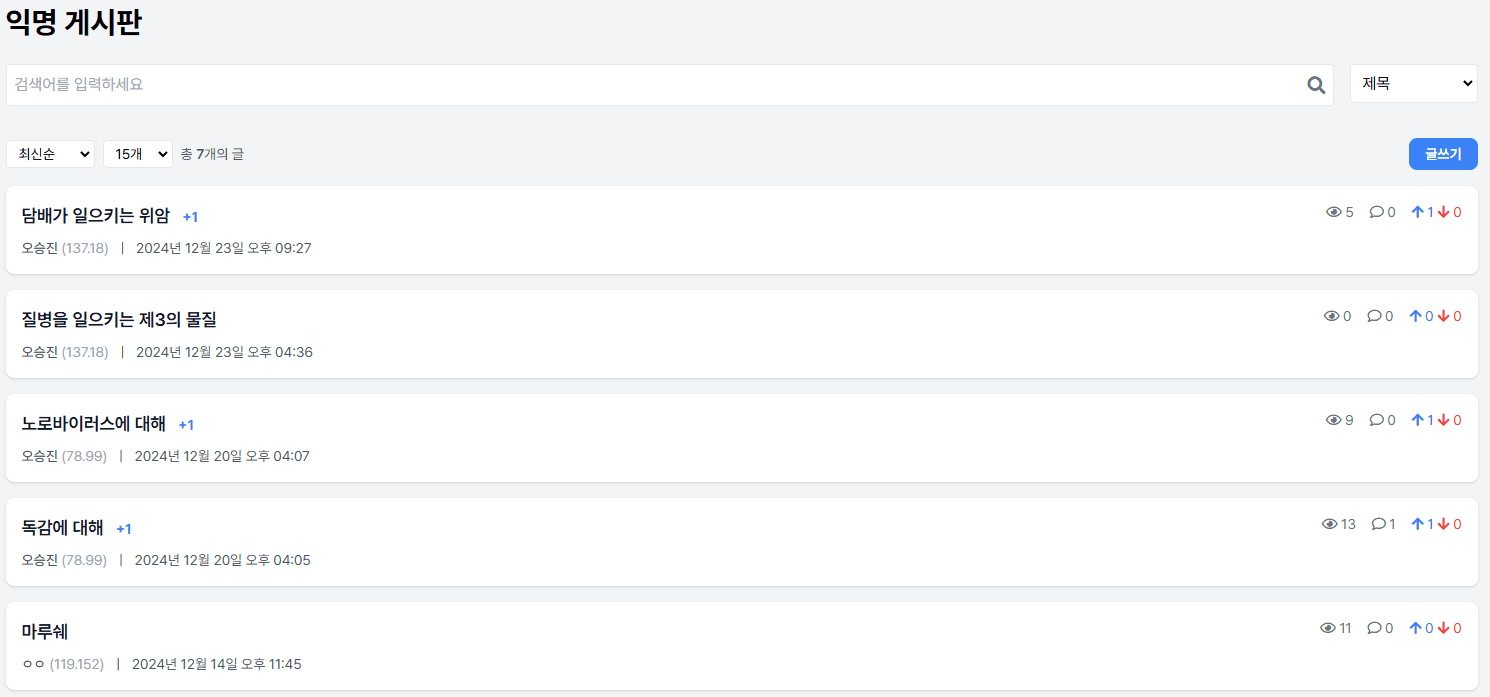
The community page required the most thought. I wanted an anonymous board, but I also had to consider protecting logged-in users' anonymity and preventing abuse by people who were not logged in. In the end, I used an IP-based anonymous system inspired by DC Inside.
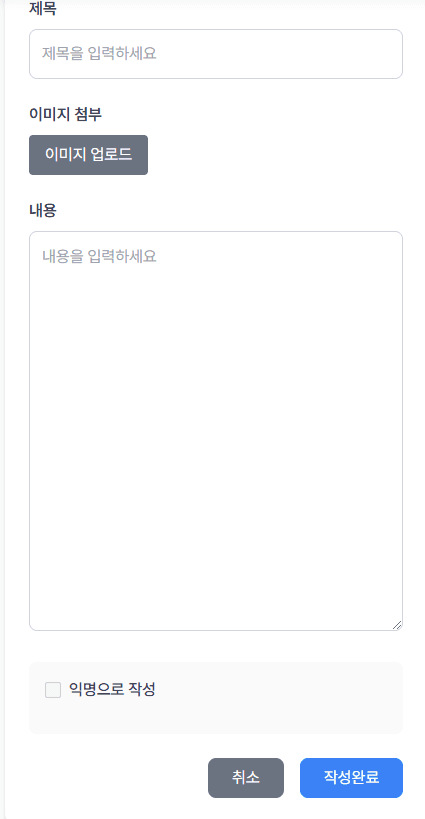
I added image uploads. Logged-in users posted under their real names, while visitors could post anonymously.
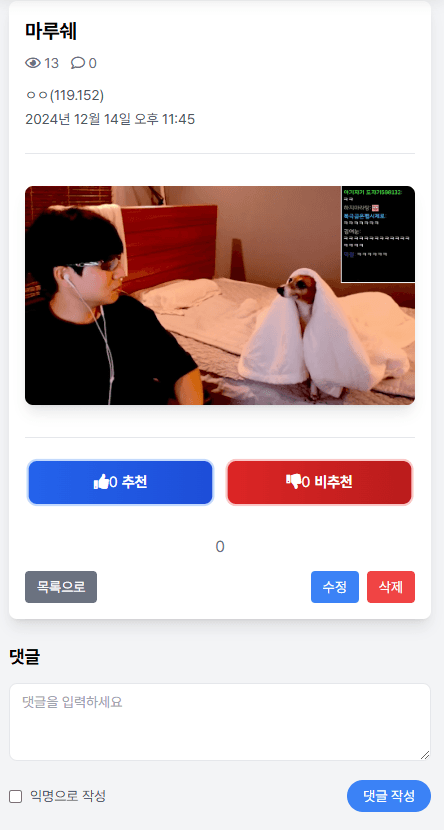
I also looked at DC Inside for the post page. Recommendations, comments, and weekly best posts helped the service feel like a real community.
3. Looking back
Wandaejeon was a project I made as part of a school club. It did not have many users, but I learned a lot by handling everything from planning to deployment and promotion. Most of all, I learned that building something and getting people to use it are completely different problems.